Starter
$80per month
Billed monthly
- Minutes per month
- 150
- Videos of about 15 min
- ≈ 10
- AI scripts per month
- 4
- Stock visuals, voice over and captions
- 23 languages
- Email support
Made for faceless YouTube channels
Voice over, visuals, captions, motion graphics and the render, for videos of 10 to 30 minutes, in 23 languages.
Sample videos
Eight sample videos, cut the way the app exports them for YouTube, ready to upload and monetize. Pick one and watch it render.
What comes out
You write the words. Everything between the words and the upload is handled for you.

An AI voice reads your script from start to finish. Pick one from the library or clone your own.
Or your own voice, cloned
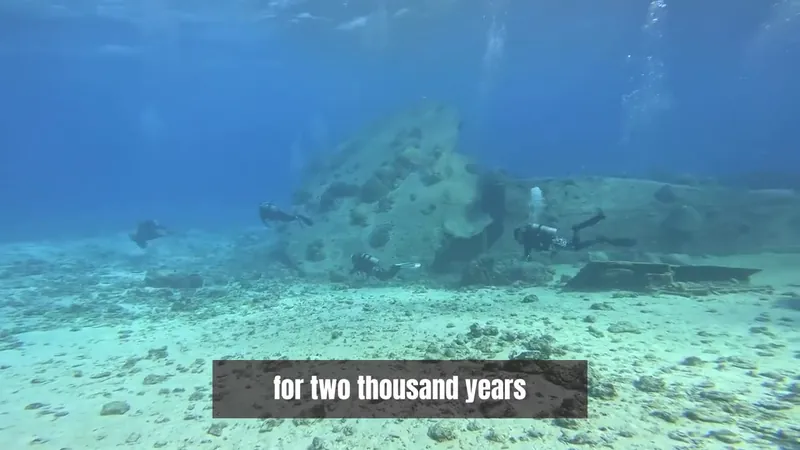
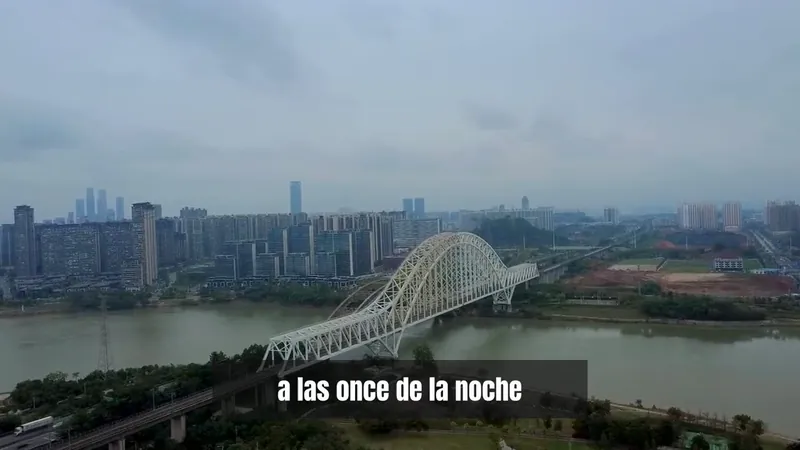
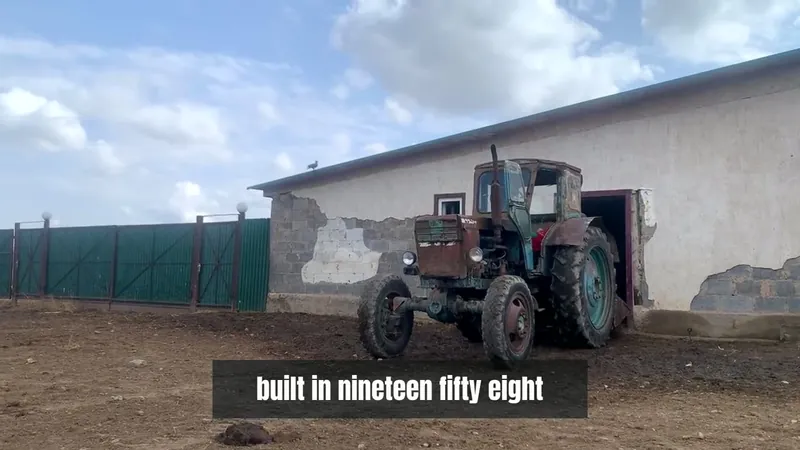
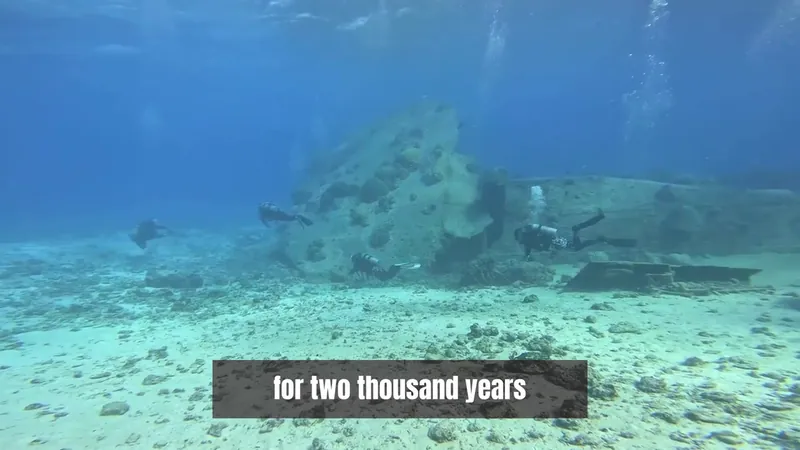
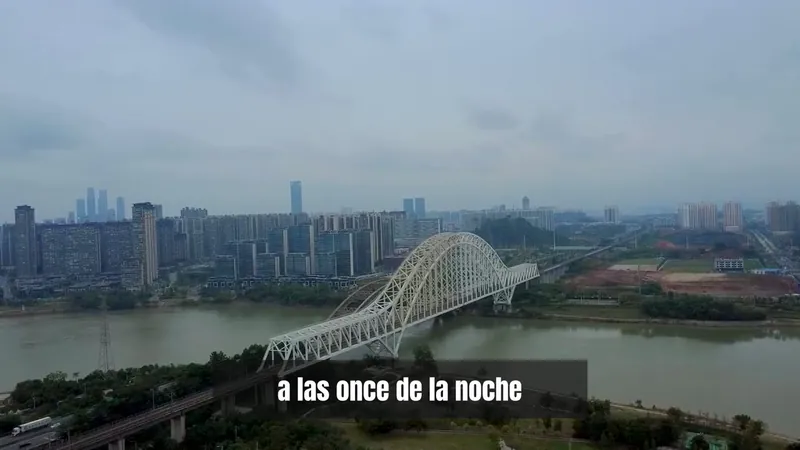
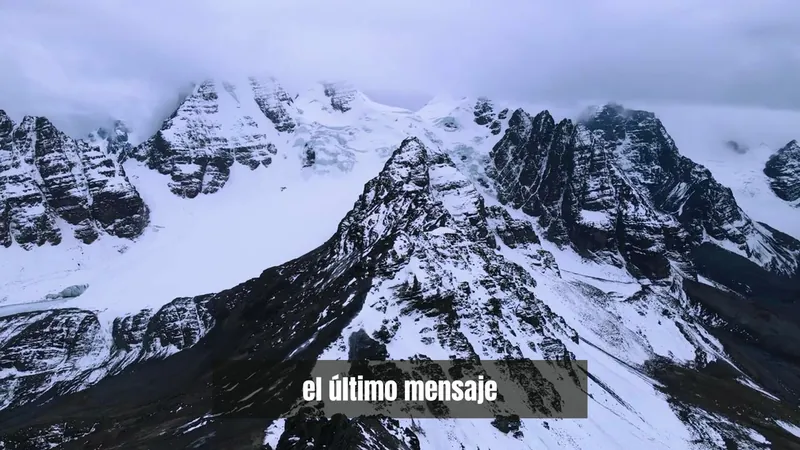
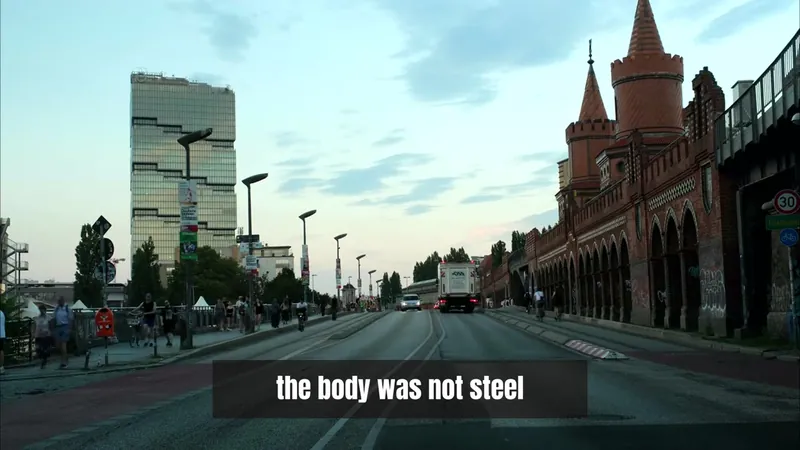
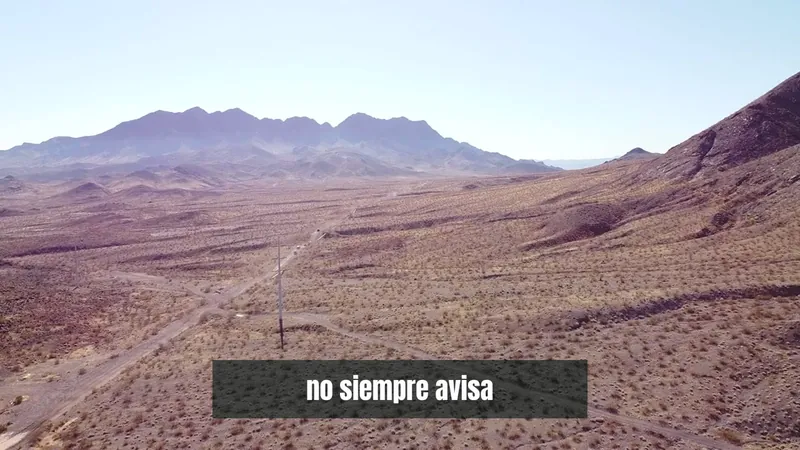
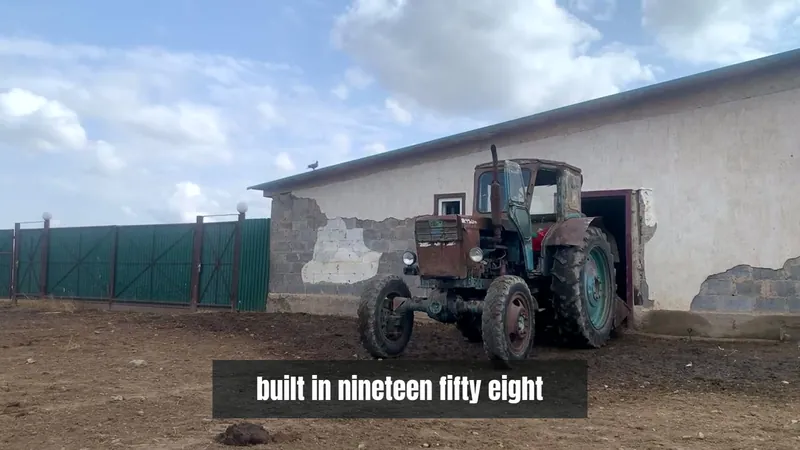
Stock footage and images are chosen for what each part of the script is about, then cut to the narration.
A visual for every line
 Córdoba tenía más libros
Captions are written from the voice track and timed to it, so they match what is actually said, with the motion graphics that keep a long video moving.
Five words a line, at most

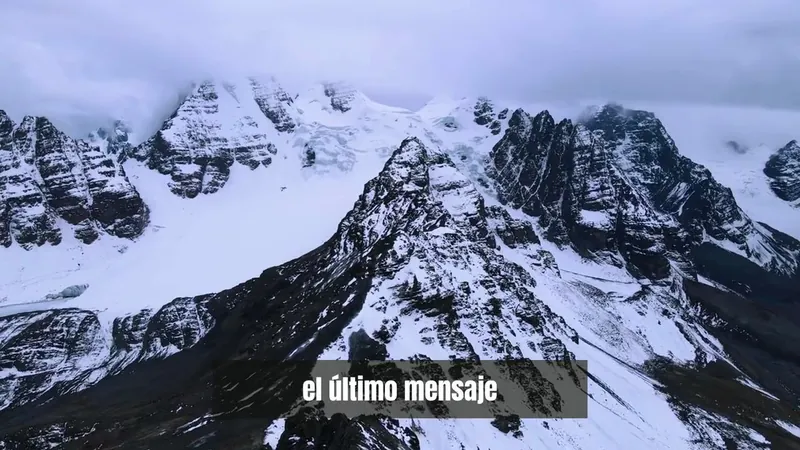
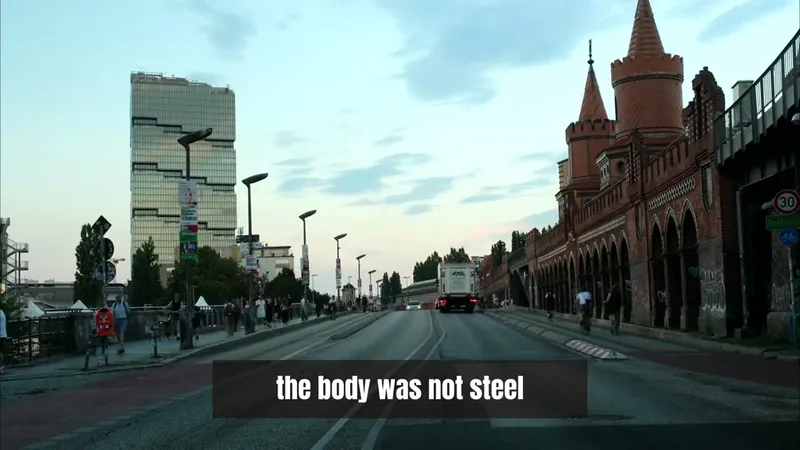
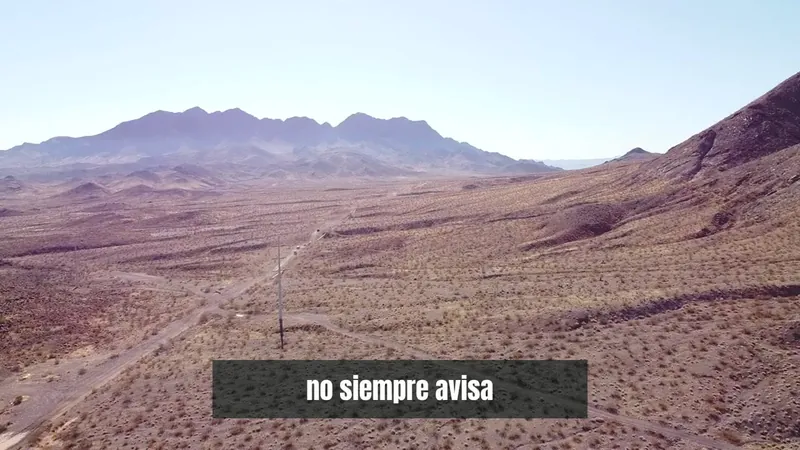
Open the video before you render. Swap a clip, fix a line, change the voice. For bigger changes, export and finish in your own editor.
Change it before you export
How it works
The same loop every time, whether the video runs 10 minutes or an hour.
In the year one thousand, Córdoba had more books than the rest of Europe.
Its streets had lighting before London did.
1
Write it yourself, or have the studio draft it. Every plan includes a number of AI scripts each month.
2
Pick from the voice library in 23 languages, or clone your own from about 30 seconds of audio.
Picked3
It records the narration, finds a visual for each part of the script, and writes the captions.
31:084
Open the editor if you want to change something. Then export the file and upload it to your channel.
Voices
Six recordings made with the voices your videos would use. One plays at a time.
You can also use your own voice. Cloning needs about 30 seconds of clear audio, and it is included on Creator, Pro and Business.
Publish in any of them, not only your own. The voice over, the captions and the script writing all work in the language you publish in.
Pricing
Every plan is a monthly allowance of video minutes. Make as many videos as you like until the minutes run out.
$80per month
Billed monthly
$189per month
Billed monthly
$429per month
Billed monthly
$929per month
Billed monthly
Cancel anytime.
Questions
You give it a written script. It records the voice over with an AI voice, finds stock footage and images for each part, writes and times the captions, and renders the finished file. There is a built in editor if you want to change something first.
Long. Most customers make videos of 10 to 30 minutes, and up to about an hour works. This is built for long form channels, not short clips.
Stock footage and images, chosen for what each part of the script is about and cut to the narration. You can swap any of them in the editor before you render.
Each plan includes a number of video minutes per month: 150 on Starter, 375 on Creator, 900 on Pro and 1,950 on Business. That is roughly 10 to 130 videos of about 15 minutes each. Make as many videos as you like until the minutes run out.
Your minutes renew every month on your billing date. If you run out sooner, you can move up a plan from your account at any time: the larger allowance applies right away, and the minutes you have already used still count.
Yes. Voice cloning needs about 30 seconds of clear audio, and it is included on Creator, Pro and Business.
23 of them: English, Spanish, French, German, Italian, Portuguese, Russian, Japanese, Chinese, Korean, Arabic, Hindi, Dutch, Polish, Turkish, Swedish, Danish, Finnish, Norwegian, Greek, Czech, Thai, Vietnamese.
Any time, from your account. Your plan stays active until the end of the period you have paid for. Payments already made are not refunded.
Paste the script. Get back a finished video with the voice over, the visuals and the captions.
Cancel anytime.